What Stet checks for
Stet runs a battery of checks against your manuscript every time you import it, edit a chapter, or change a setting. They all surface in the checks panel, the right side panel you open from the toolbar. Checks are read-only: they never change your manuscript on their own. They flag things that may need attention, and many can be fixed in one tap.
The things Stet looks for fall into one of four areas.
Typography
The small details readers don't notice when they're right and can't unsee when they're wrong. Stet flags straight quotes that should be curly, hyphens that should be em dashes, three periods that should be ellipses, and the kind of mixed punctuation that betrays a manuscript copied between editors.
Where there's an automatic fix, you'll see a count next to the check (e.g. Em Dashes: 21). Click Review to step through every change (accept individually, accept all, or skip) before anything is written.
Structure
Front matter in the wrong order. A copyright page that's missing. An ISBN that doesn't validate. A chapter with no title. Two chapters with the same title. A 200-page novel detected as a single chapter because the headings weren't styled properly in Word.
These are the details a professionally produced book gets right. Stet finds them before your distributor does.
Layout
Things that only become visible once your book is paginated: chapters that fall below KDP's minimum page count, gutters that are too narrow for the bound page count, runs of dialogue without a single scene break, and lines that will produce widows or orphans at your chosen trim size.
The widow and orphan check looks at the actual rendered pages, not the raw text, so what you see in the preview is what you'll get from the printer.
Metadata and accessibility
Images without alt text (required by EPUB 3 for accessibility, and by some retailers for store ingestion). Inconsistent scene break ornaments. Body fonts that don't pair well with your chosen template.
These rarely block an export, but they're the kind of small detail a polished book gets right.
Working with the checks panel
The checks panel gathers all of this in one place, in sections:
- Quick Actions: one-tap fixes for missing essentials. When a copyright page or an About the Author section is missing, an Add button puts it in for you.
- Manuscript: the structural and editorial notes on chapter structure, missing copyright, ISBN format, scene breaks, and the rest.
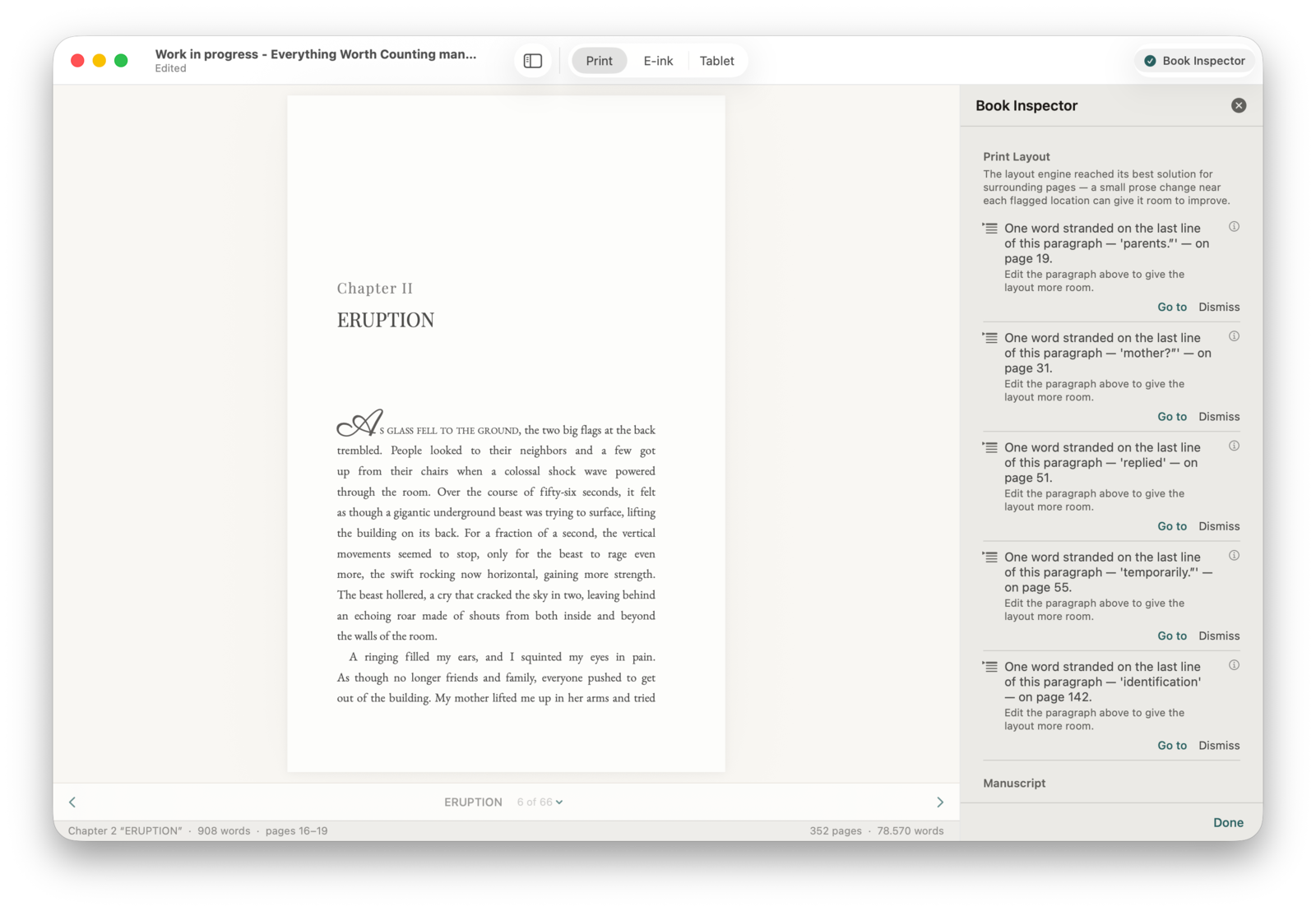
- Print Layout: what only appears once your book is paginated (widows, orphans, hyphen ladders, drop-cap collisions, runs of consecutive hyphenated lines, runts at the bottom of the page). Generate a proof preview and Stet analyzes the real pages.
- Hygiene: a log of the corrections Stet applied automatically on import.
Findings are sorted by severity: Essential issues to fix before export come first, then Recommended, Standard, and Advisory.
Fixing. A typography fix offers Fix (apply it) or Review (step through a side-by-side diff first). Fix All Typography applies a whole batch at once. Press ⌘Z to undo at any point.
Dismissing. Click Dismiss on anything intentional. Dismissed items are remembered in your project (hidden, not deleted) and can be restored.
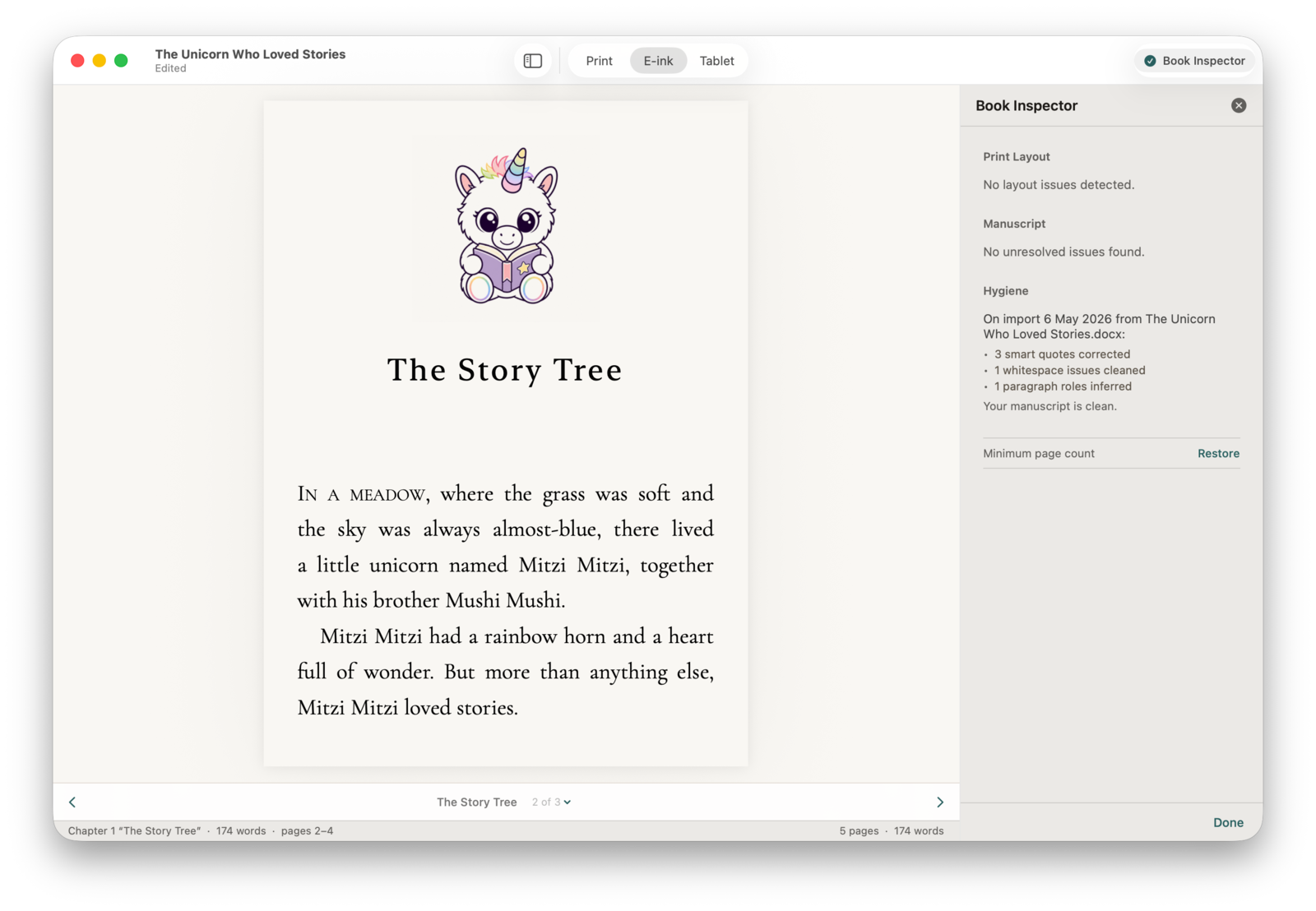
All-clear. When there's nothing left, the right sidebar says so plainly: “Looks clean.” or “No required fixes left.”, with any optional suggestions noted separately. Print Layout reports “No layout issues detected.” when the pages are sound.
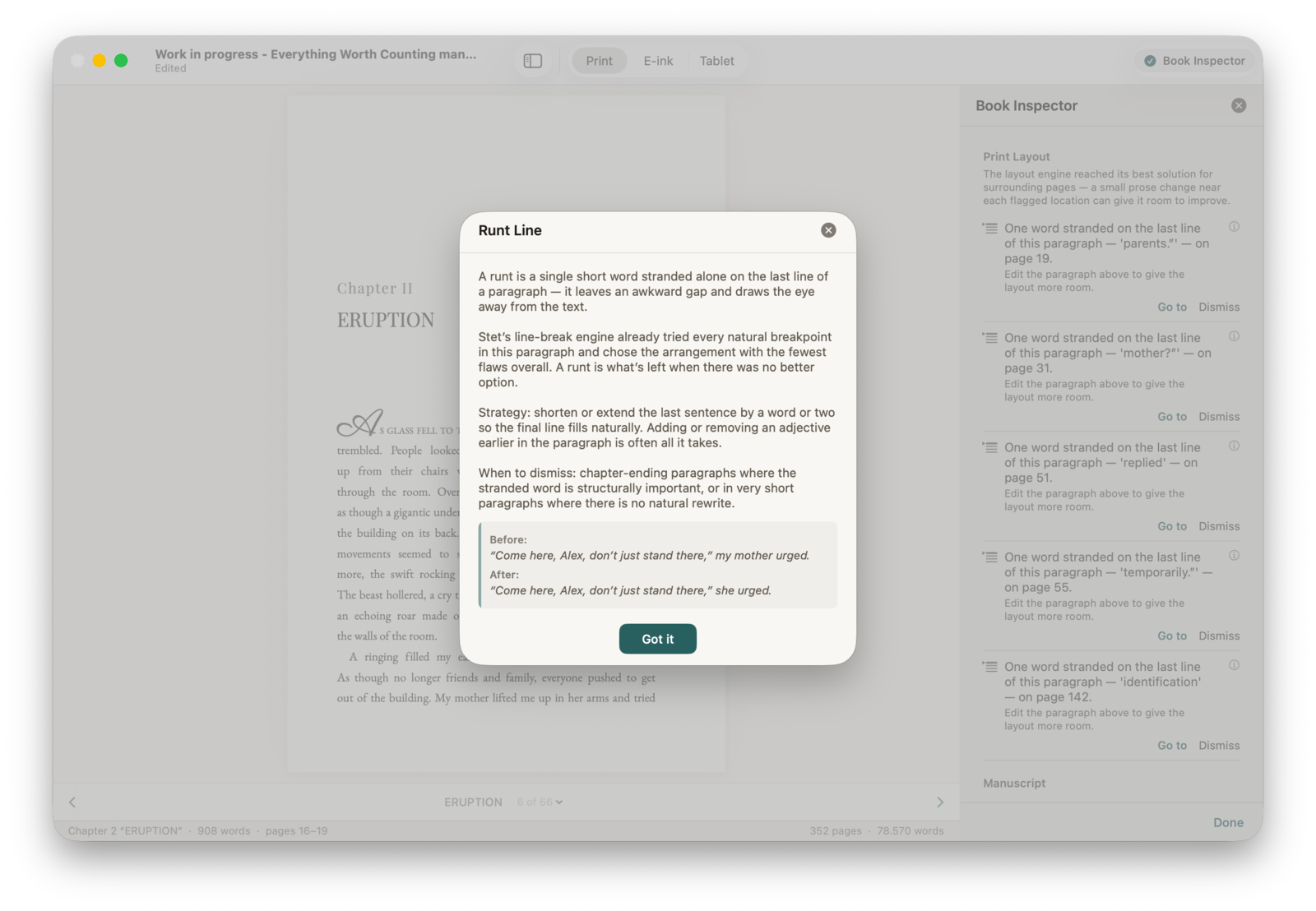
Every finding has a help sheet that explains what the issue is, why it matters, and the cleanest way to fix it, including a worked before/after example.
When everything is clean, the right sidebar tells you so: Manuscript, Print Layout, and Hygiene all green.